Sign Up for GFiber Internet Service
Ready to join GFiber? Check availability at your address, pick the plan that’s right for you, and set up your account in minutes.
Getting started with GFiber is quick and easy. You can check availability and sign up directly on our website. This guide walks you through choosing a plan, selecting an installation method, and completing your order.
Sign Up for GFiber Internet Online
- Go to gfiber.com and click the Check availability button in the top-right corner.
- Enter your address to see if GFiber is available.
- If your address is eligible, choose an internet plan and click the Next button.
- Choose your installation method — self-install kit or professional installation — and select Next. (Note: self-install kits are not available for some customers. See FAQs for more details).
- Review your order details and click the Next button.
- On the Create your account screen, choose how you’d like to sign up:
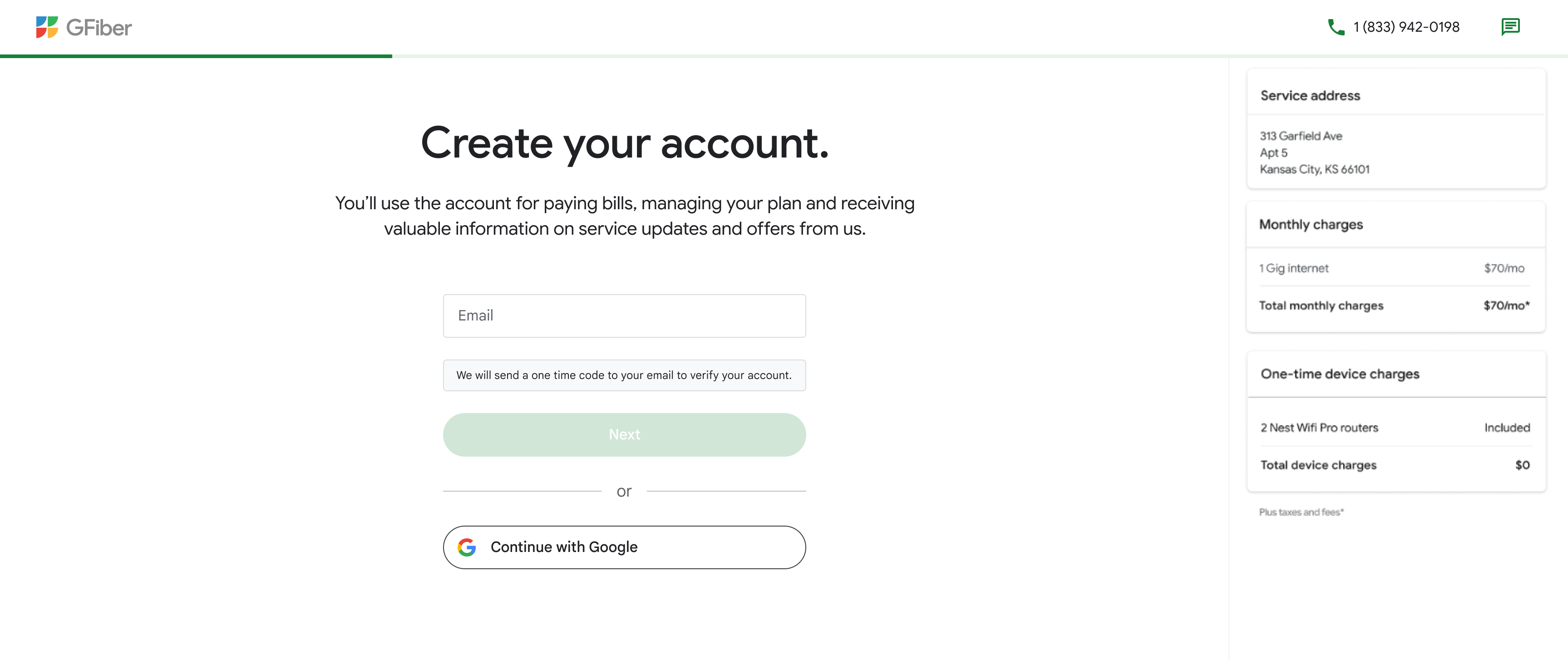
- Use your email address: Enter your email and click the Next button. We’ll send a one-time code to verify your account.
- Use an existing Google Account: Select Continue with Google to sign in with your Google credentials.
- Confirm your contact information and click the Next button.
- Add your payment information for monthly billing.
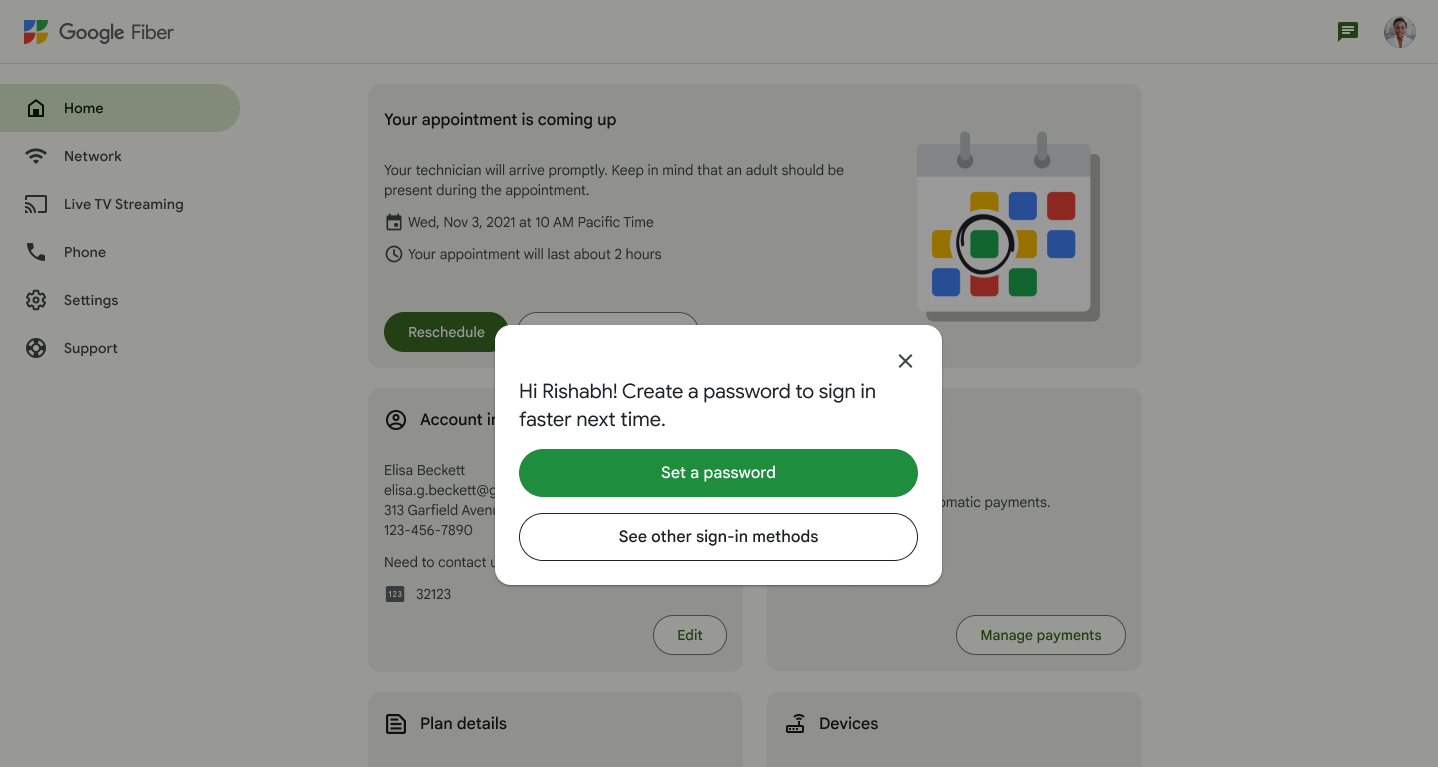
- If prompted, click the Set a password button to finish setting up your account.

Important: Use an email address you check regularly and plan to keep long-term. We use this email for billing and important service updates. Avoid using an email address managed by a third party (like an employer or school) that you may lose access to later.
Explore why thousands of customers think GFiber is worth the switch.
FAQs
You may not be able to sign up right now for a few reasons:
- Your neighborhood is still under construction.
- If you rent, your property owner or manager hasn’t signed an access agreement with GFiber yet.
- Your address isn’t currently eligible for GFiber service.
- There are network or environmental limitations at your address.
- Your email address is already linked to an existing GFiber account.
- Try signing in with that email, or sign up using a different email address.
Self-install kits are available for eligible residential addresses that already have a Fiber Jack installed. If your home needs new wiring or additional equipment (like an Internet Battery Backup unit), we’ll schedule a professional installation to make sure everything is set up properly.
- Self-install kit: We mail the equipment to you, and you set it up yourself using our step-by-step guide. No appointment needed.
- Professional installation: A technician comes to your home to install the Fiber Jack and set up your network.